Best Ways to Extend WiFi to Your Garden Office
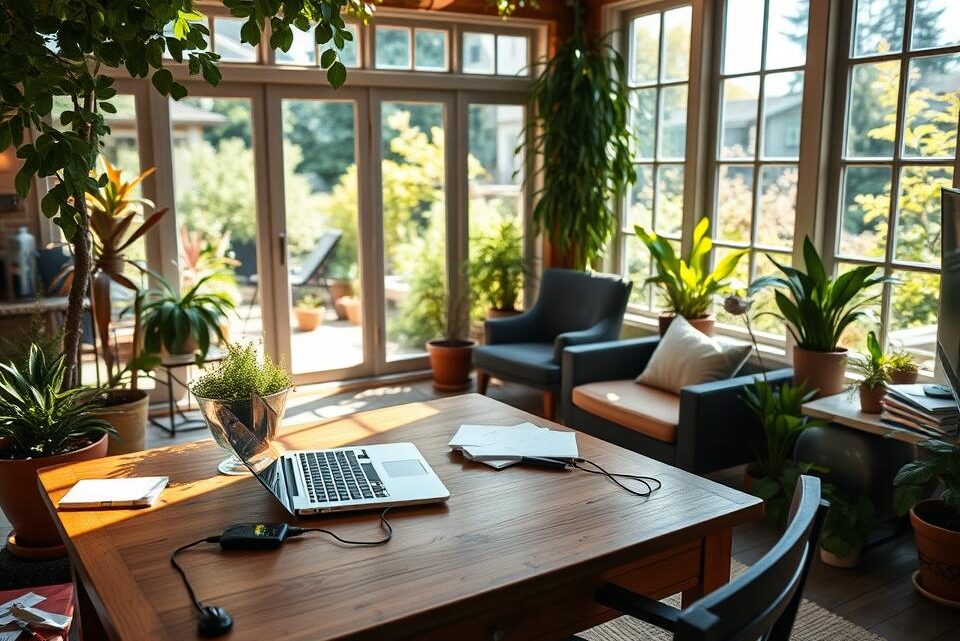
With more people working remotely, garden offices have become essential spaces for productivity. However, weak WiFi signals can disrupt video calls, slow file uploads, and make streaming impossible. A strong internet connection is crucial for seamless work and leisure in your outdoor space.
According to SilverLeaf research, over 40% of UK homeowners struggle with poor connectivity in their garden buildings. Seasonal weather, thick walls, and distance from the router often weaken the signal. The right solution depends on your home layout, budget, and usage needs.
This guide explores five practical methods to boost your connection, from simple upgrades to professional installations. Whether you need stable Zoom calls or smooth Netflix streaming, there’s an option for every scenario.
Inhaltsverzeichnis
Key Takeaways
- Garden offices require strong WiFi for uninterrupted work.
- British weather can affect outdoor signal strength.
- Multiple solutions balance cost and performance.
- Professional services like Zen EveryRoom offer premium coverage.
- Consider speed versus range when choosing a method.
1. Optimise Your Router’s Location for Better Coverage
British homes often struggle with WiFi dead zones due to router positioning. Thick walls, glass doors, and long distances weaken the signal, especially in garden offices. A few strategic adjustments can transform your outdoor workspace into a connectivity hotspot.
Why Router Placement Matters
WiFi signals degrade through obstacles like brick walls or metal fixtures. The 2.4GHz band travels further than 5GHz but offers slower speeds. For reference, a typical router reaches 45m indoors on 2.4GHz—less outdoors.
Common interference sources in UK homes include:
- Microwaves and cordless phones
- Baby monitors and Bluetooth devices
- Fish tanks or large mirrors
Tips for Positioning Your Router
To get your router closer garden coverage:
- Test signal strength: Walk around with a smartphone app like WiFi Analyzer.
- Elevate the router: Place it on a shelf, not behind furniture.
- Use aluminium foil: Shape a reflector to direct signals outward.
Note: Listed buildings may limit relocation options. For these, consider mesh systems (covered later).
2. Upgrade Your Router for Stronger Signal Reach
Older routers struggle to deliver strong signals across modern British homes. If your garden office suffers from lagging video calls or dropped connections, a router upgrade might be the most cost-effective solution.
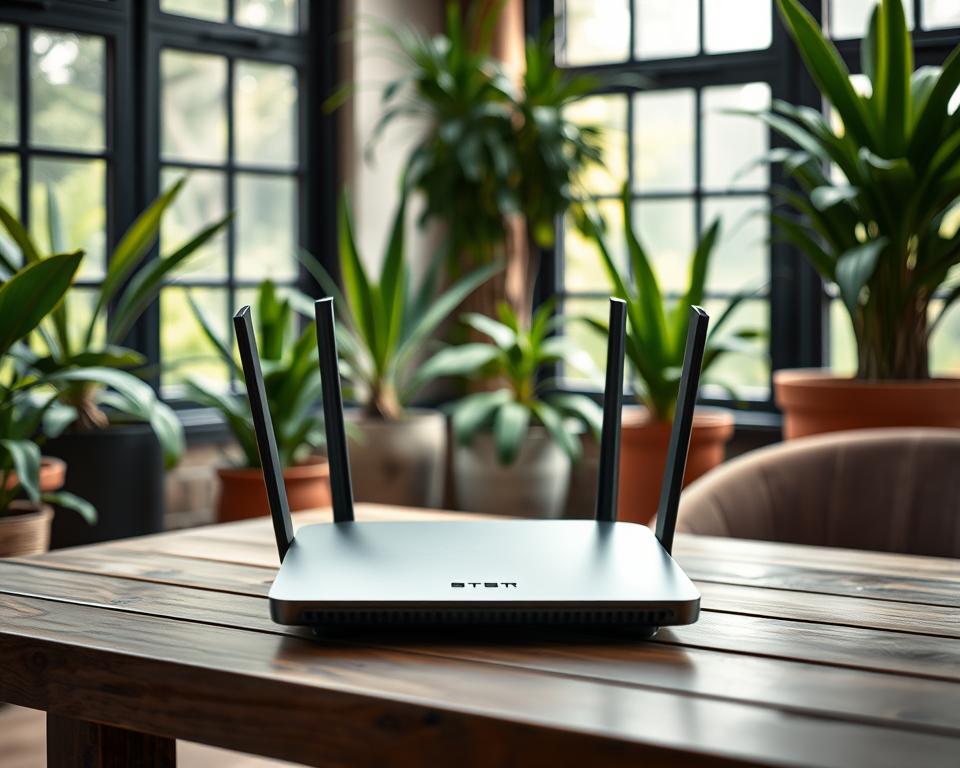
Signs You Need a New Router
Ageing routers exhibit clear symptoms:
- Frequent drops: Disconnections during Zoom meetings or file transfers.
- Slow speeds: Buffering even with high-speed broadband.
- Limited range: Weak signals beyond 10 metres.
Antenna degradation worsens over time, especially in routers older than five years. According to Ofcom, 802.11n routers (common in older ISP packages) lack the range for garden offices.
Choosing a Router with Advanced WiFi Standards
Modern routers use WiFi 6 (802.11ax), offering:
- MIMO technology: Multiple antennas for simultaneous device connections.
- Dual/tri-band options: Dedicated bands reduce network congestion.
- Extended range: Better penetration through brick walls.
For UK homes, consider the BT Whole Home or Sky Q Hub. These models support mesh integration and comply with Ofcom’s channel optimisation guidelines.
Note: Some ISP routers are locked to specific providers. Check unlock procedures before purchasing.
3. Use a WiFi Extender to Boost Signal Strength
A WiFi extender offers a budget-friendly way to eliminate dead zones in your outdoor workspace. These devices capture your existing signal and rebroadcast it, effectively doubling your coverage without complex installations.
How WiFi Extenders Work
Extenders act as bridges, picking up weak signals from your router and amplifying them. Ideal for UK homes with thick walls, they’re often plug-and-play—no technician required.
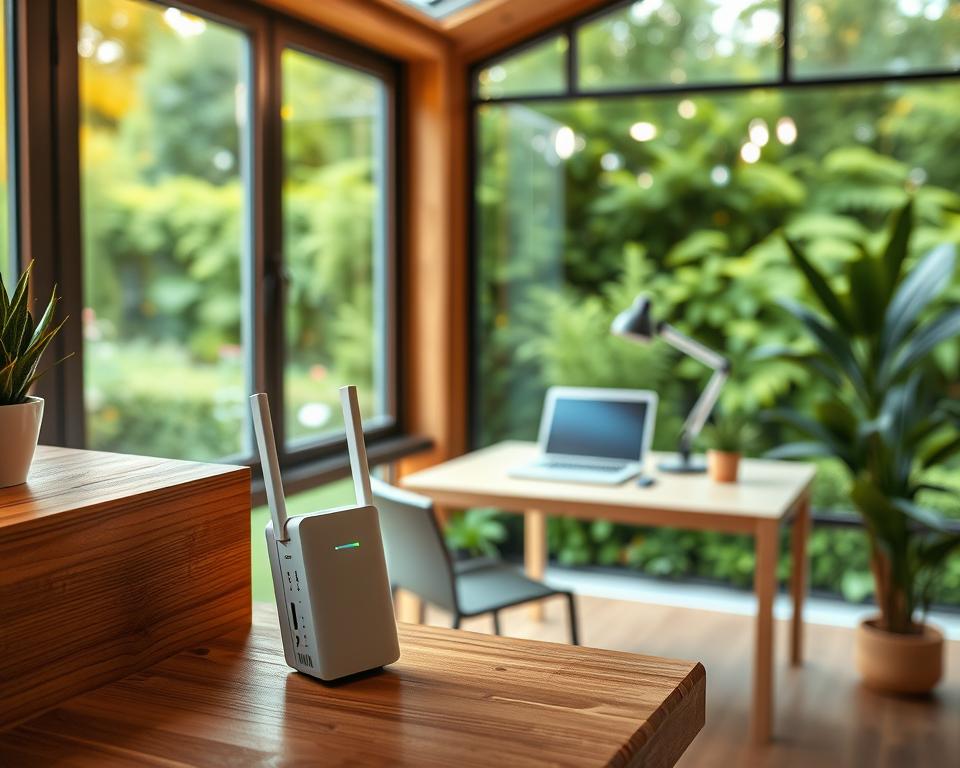
- Place it midway between your router and garden office, avoiding obstructions.
- Choose dual-band models like the TP-Link RE650 to minimise speed loss.
- Test latency—expect a 30–50% reduction compared to direct connections.
Limitations and Speed Considerations
While extenders improve range, they halve bandwidth due to signal reprocessing. The effective distance rarely exceeds 30m in British brick-built homes.
Common pitfalls include:
- Electrical interference from UK wiring, especially in older properties.
- Security gaps if extenders use outdated encryption (always enable WPA3).
- Model variability—the Netgear EX8000 outperforms budget options in speed tests.
Pro tip: Repurpose an old router as a DIY extender via access point mode, saving £50–£100.
4. Invest in a Mesh WiFi System for Seamless Coverage
British weather and thick walls demand a smarter approach to outdoor WiFi coverage. A mesh WiFi system replaces single-router struggles with multiple nodes, creating a unified network that adapts to your garden office’s needs.

Why Mesh Networks Excel in Outdoor Spaces
Unlike traditional routers, mesh systems like Zen EveryRoom use weatherproof nodes to blanket large areas. Key advantages:
- Tri-band backhaul: Dedicated channels prevent speed drops between nodes.
- Seamless roaming: Devices switch nodes automatically—no manual reconnection.
- UK-tuned frequencies: Avoids interference from neighbouring networks in terraced houses.
For example, BT Whole Home’s nodes cover 60m² each, while Google Nest uses AI to optimise coverage dynamically.
Setting Up Nodes for Reliable Garden Office Connectivity
Placement matters. Follow these steps:
- Map signal strength: Use apps like NetSpot to identify weak spots.
- Space nodes 10–15m apart—closer in brick-walled homes.
- Avoid conservatories: Summer heat can throttle electronics.
Pro tip: Zen EveryRoom’s outdoor nodes withstand British rain, but DIY kits may need waterproof enclosures.
Cost comparison: Professional systems (like Zen) start at £300, while DIY options (TP-Link Deco) cost £150–£200. The latter suits smaller gardens but lacks advanced service features.
5. Explore Wired and Powerline Solutions
For those needing rock-solid connectivity, wired solutions offer unbeatable reliability. While wireless tech excels in convenience, ethernet cables and powerline adapters deliver consistent speeds—ideal for bandwidth-heavy tasks like video editing or 4K streaming.
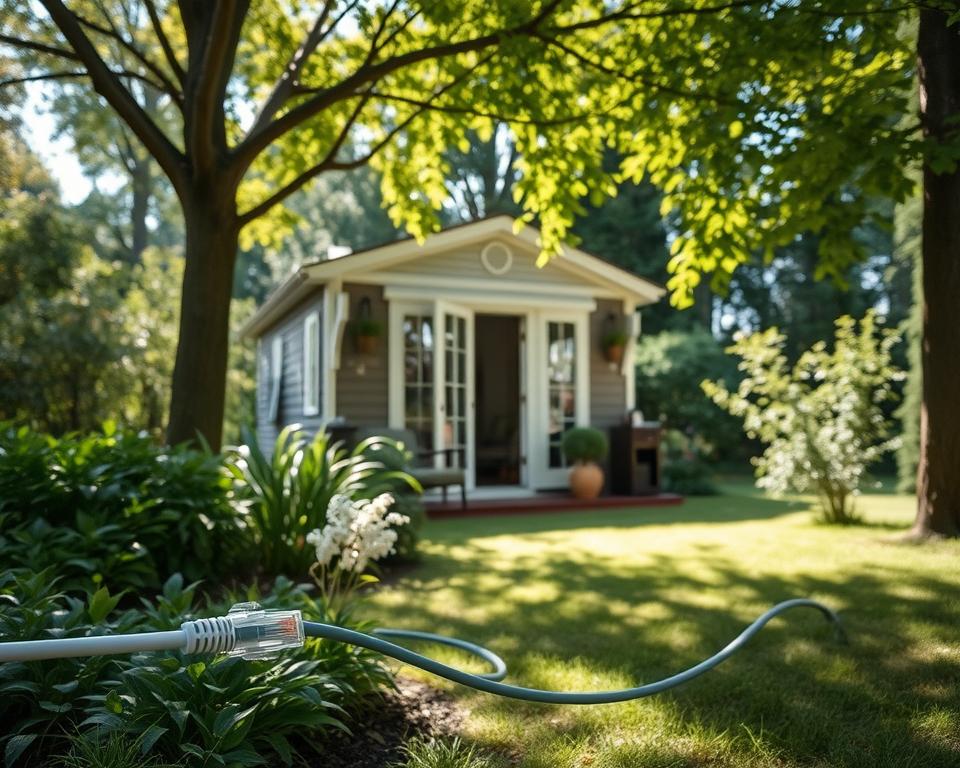
Running an Ethernet Cable: Pros and Installation Tips
Direct ethernet cable connections eliminate interference and latency. For UK installations:
- Cat6 vs. Cat7: Cat6 handles 1Gbps up to 55m, while Cat7 supports 10Gbps but costs 40% more.
- Trenching: Bury cables 450mm deep in PVC conduit to comply with BS7671 regulations.
- Weatherproofing: Use gel-filled cables for damp garden trenches.
“Ethernet installations in listed buildings may require Listed Building Consent—always consult a registered electrician.”
Powerline Adapters: Using Electrical Wiring for Data
Powerline adapters convert your home’s electrical wiring into a data network. Popular UK kits like Devolo Magic 2 or TP-Link AV2000 offer:
- Plug-and-play setup: Pair adapters via encrypted buttons.
- Speed variances: Expect 50–80% of advertised speeds due to circuit breaker interference.
- Security: Enable 128-bit AES encryption to prevent data leaks.
Note: Older UK homes with ring circuits may experience speed drops. Test adapters on the same circuit for optimal connection.
| Solution | Latency (ms) | Max Speed |
|---|---|---|
| Ethernet (Cat6) | 1–2 | 1Gbps |
| Powerline (AV2000) | 5–10 | 500Mbps |
Conclusion
Creating a reliable connection for your garden office doesn’t have to be complicated. Whether you choose a simple extender or a full mesh system, each solution offers unique benefits tailored to different needs.
For budget-conscious users, powerline adapters provide decent speed without rewiring. Those needing future-proof setups might prefer professional installations like Zen EveryRoom, backed by 10-year guarantees.
Remember to check Ofcom’s WiFi checker tool before deciding. With the right approach, your outdoor workspace can enjoy seamless internet for years—rain or shine.
FAQ
How can I improve my WiFi signal in the garden office?
Start by optimising your router’s location—place it closer to the garden or elevate it for better range. Upgrading to a modern router or adding a WiFi extender can also enhance coverage.
Will a WiFi extender slow down my internet speed?
Extenders can reduce speeds slightly due to signal repetition. For better performance, choose a dual-band model or consider a mesh WiFi system for seamless connectivity.
What’s the advantage of using a mesh network for outdoor spaces?
Mesh systems use multiple nodes to eliminate dead zones, ensuring strong, consistent coverage across your garden office without speed drops.
Can I use an ethernet cable for a more stable connection?
Yes, running an ethernet cable directly to your garden office provides the fastest, most reliable connection, free from interference or signal loss.
Are powerline adapters a good alternative to WiFi?
Powerline adapters use your home’s electrical wiring to transmit data, offering a stable connection without long cables—ideal if running ethernet isn’t practical.
How do I know if my router needs upgrading?
If your current router struggles with multiple devices, lacks modern WiFi standards (like WiFi 6), or has poor range, upgrading could significantly improve performance.